Longer scenes
Give a scene room to develop across multiple beats.

AI Tools
Top AI Video Models
Top AI Image Models
Top AI Music & Audio Models
Build a scene around a subject, a series of shots, or key visual moments. Describe what should happen between those moments.
Try Kling 4 ↗Build a scene around a subject, a series of shots, or key visual moments. Describe what should happen between those moments.
Use Kling 4 to draft an idea, review the result and refine the prompt around the parts that matter most.
Cinematic framing and motion
Give a scene room to develop across multiple beats.

Set the key visual moments you want the motion to connect.
Carry a character or product look through the scene.
Describe the sound and lighting alongside the movement.

Try a short version before building the final sequence.
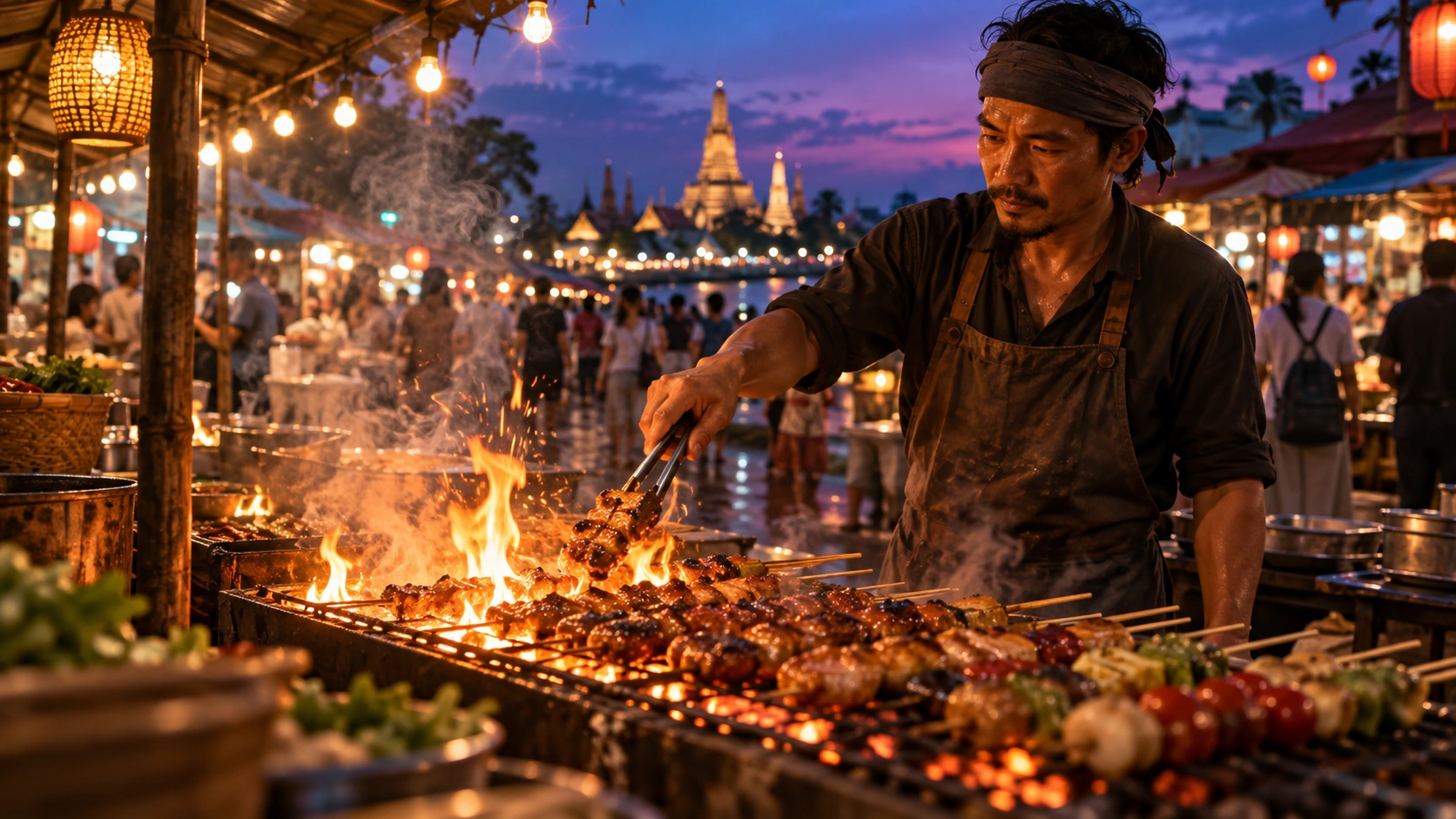
Example prompt · A cook works over an open grill at dusk. Track the sparks past the vendor as market lights come on behind him.

A simple formula for a more intentional first take.
A cook works over an open grill at dusk. Track the sparks past the vendor as market lights come on behind him.
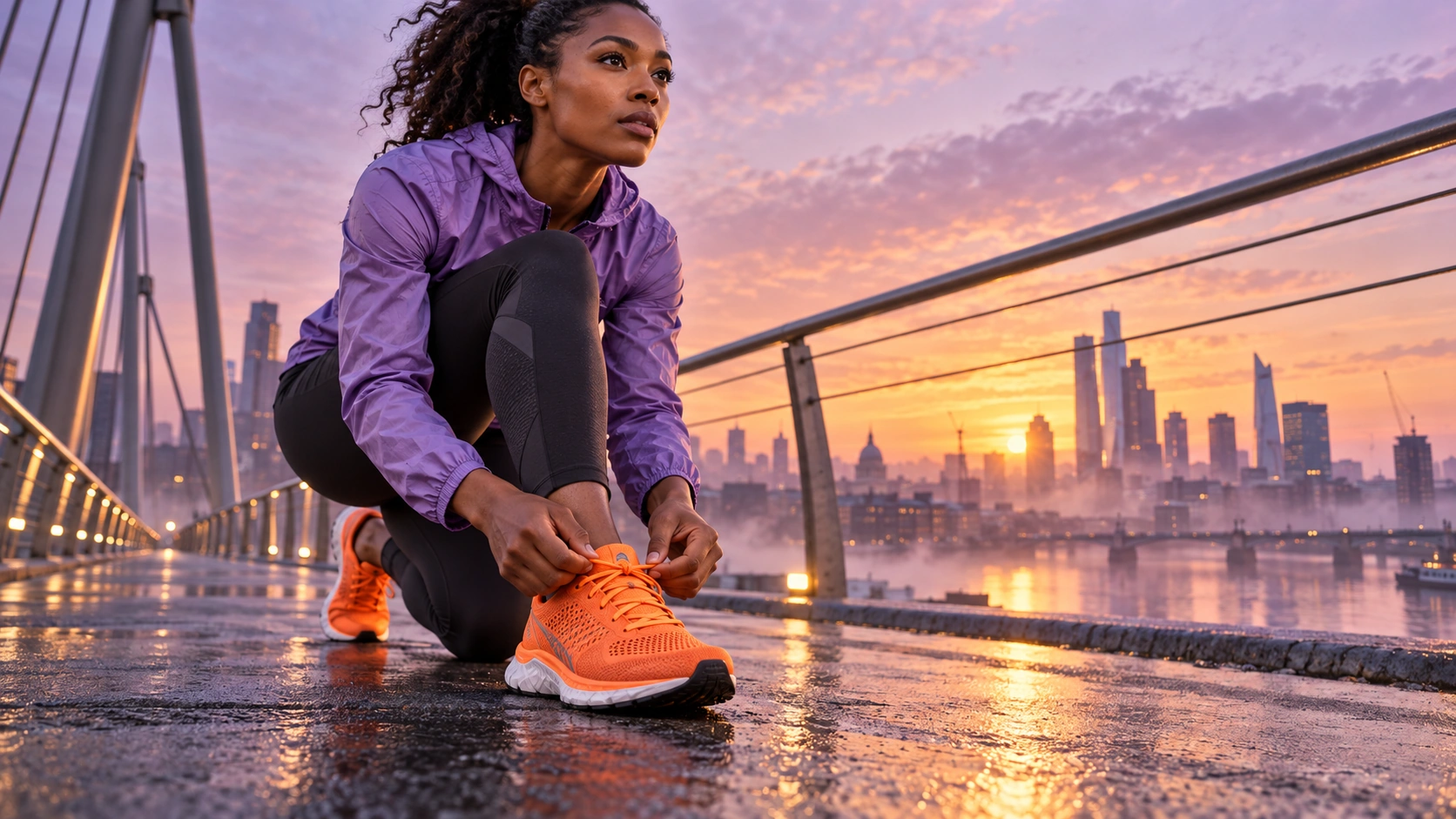
Start on a runner’s bright orange shoes. Slowly tilt up as she rises and runs along a wet bridge at sunrise.
Open Idea Lab, choose the generation type and check the model list for your workspace.
Use the reference inputs shown for your selected model. Describe the details you want the result to retain.
Check the settings and credit estimate in Idea Lab before you generate. Options vary with the selected model.