
Up to 30 seconds per clip
Tell a story in a single generation.

AI Tools
Top AI Video Models
Top AI Image Models
Top AI Music & Audio Models
Create a video from a written brief or reference media. Shape the visuals, camera and sound together with Seedance 2.5.
Try Seedance 2.5 ↗Create a video from a written brief or reference media. Shape the visuals, camera and sound together with Seedance 2.5.
Use Seedance 2.5 to draft an idea, review the result and refine the prompt around the parts that matter most.
Longer clips with sound
Tell a story in a single generation.

Describe ambience, dialogue or effects as part of the scene.
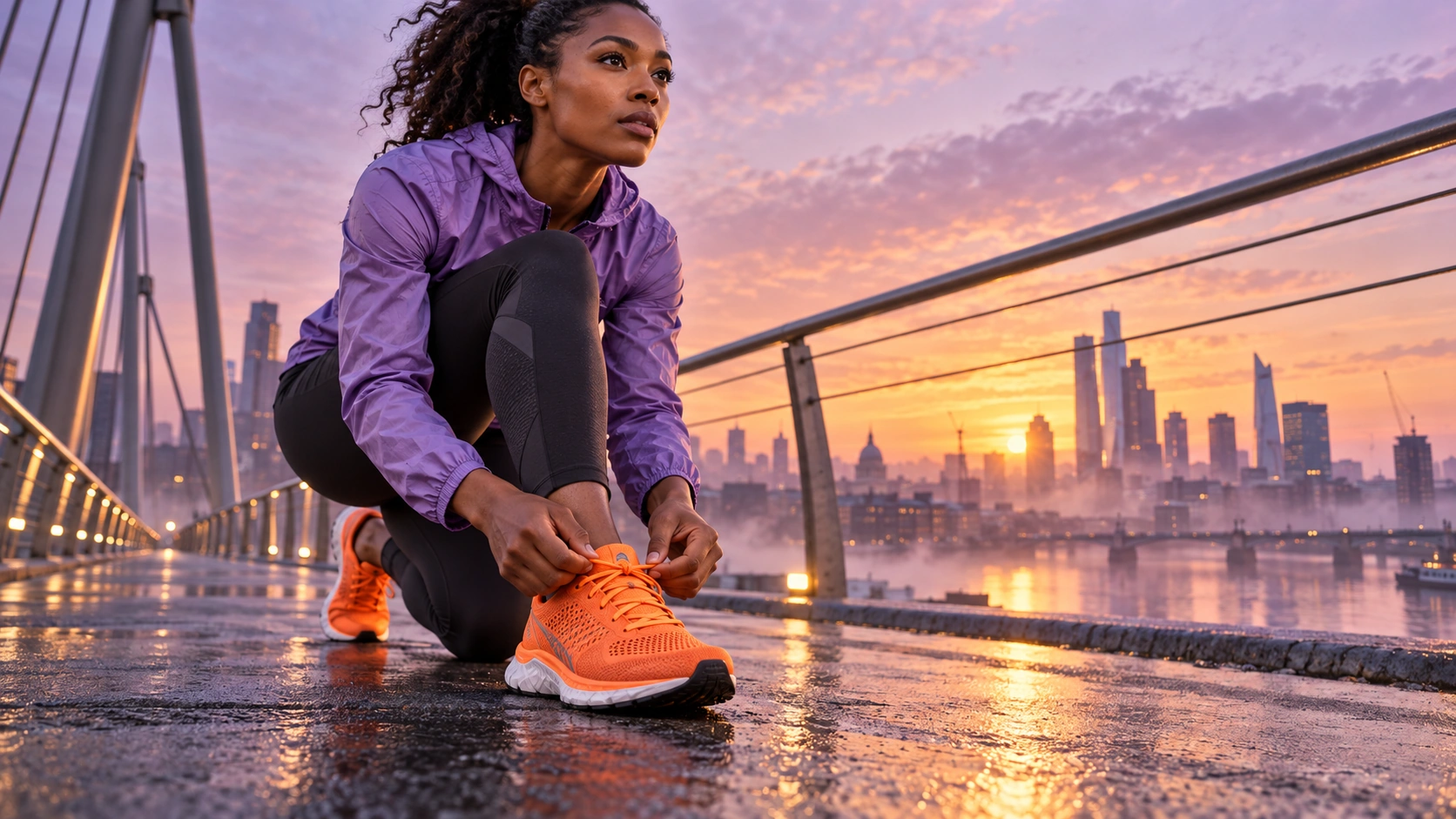
Use reference material to establish the look and subject.
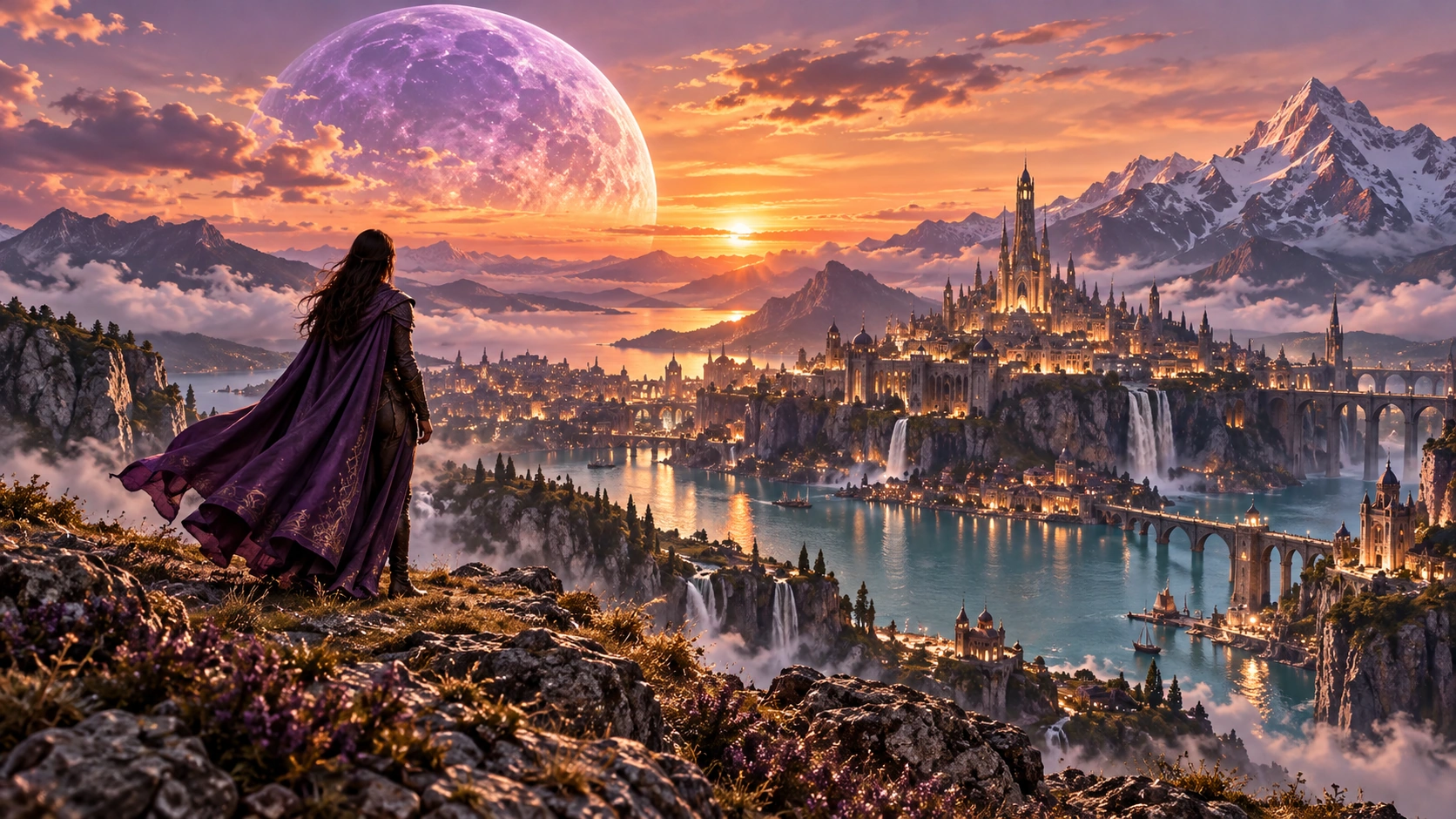
Continue the action or revise details across passes.

Direct the shot with framing, motion and lighting.
Example prompt · A street food vendor at a busy night market flips sizzling skewers under amber lights. Start close on the grill, then pull back to reveal the crowd. Include crackling fire and chatter.

A simple formula for a more intentional first take.
A street food vendor at a busy night market flips sizzling skewers under amber lights. Start close on the grill, then pull back to reveal the crowd. Include crackling fire and chatter.
At dawn, a runner ties bright orange trainers on a city bridge. Cut from the laces to a wide tracking shot as she runs into the sunrise.
Open Idea Lab, choose the generation type and check the model list for your workspace.
Use the reference inputs shown for your selected model. Describe the details you want the result to retain.
Check the settings and credit estimate in Idea Lab before you generate. Options vary with the selected model.