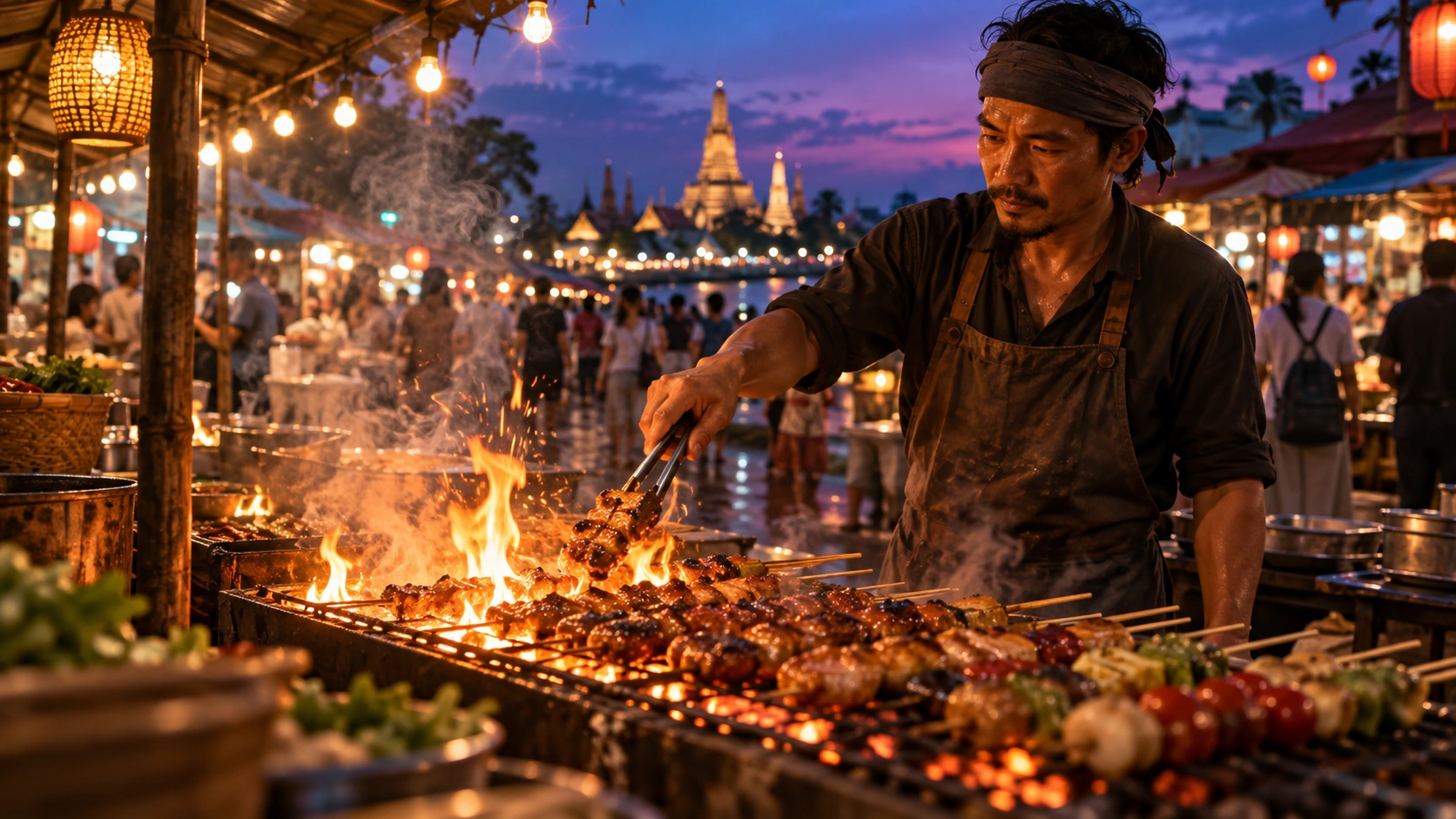
Clear text and graphics
Give every label and headline a place in the layout.

AI Tools
Top AI Video Models
Top AI Image Models
Top AI Music & Audio Models
Make an image from a brief or refine an existing image. Guide the subject, setting, text and framing in a single prompt.
Try Nano Banana 2.1 ↗Make an image from a brief or refine an existing image. Guide the subject, setting, text and framing in a single prompt.
Use Nano Banana 2.1 to draft an idea, review the result and refine the prompt around the parts that matter most.
Product imagery, infographics and reference edits
Give every label and headline a place in the layout.
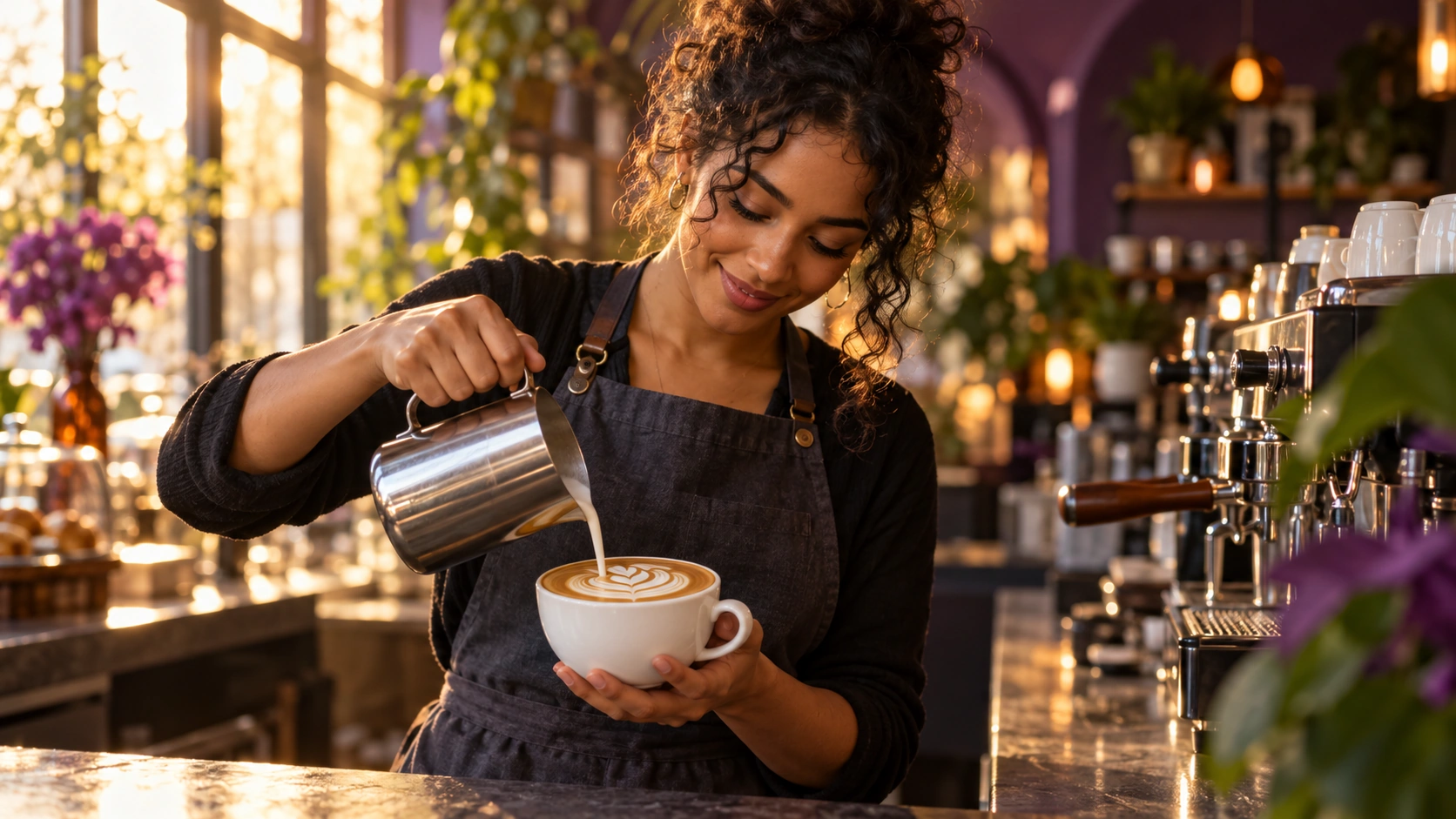
Describe what to change and what to keep.
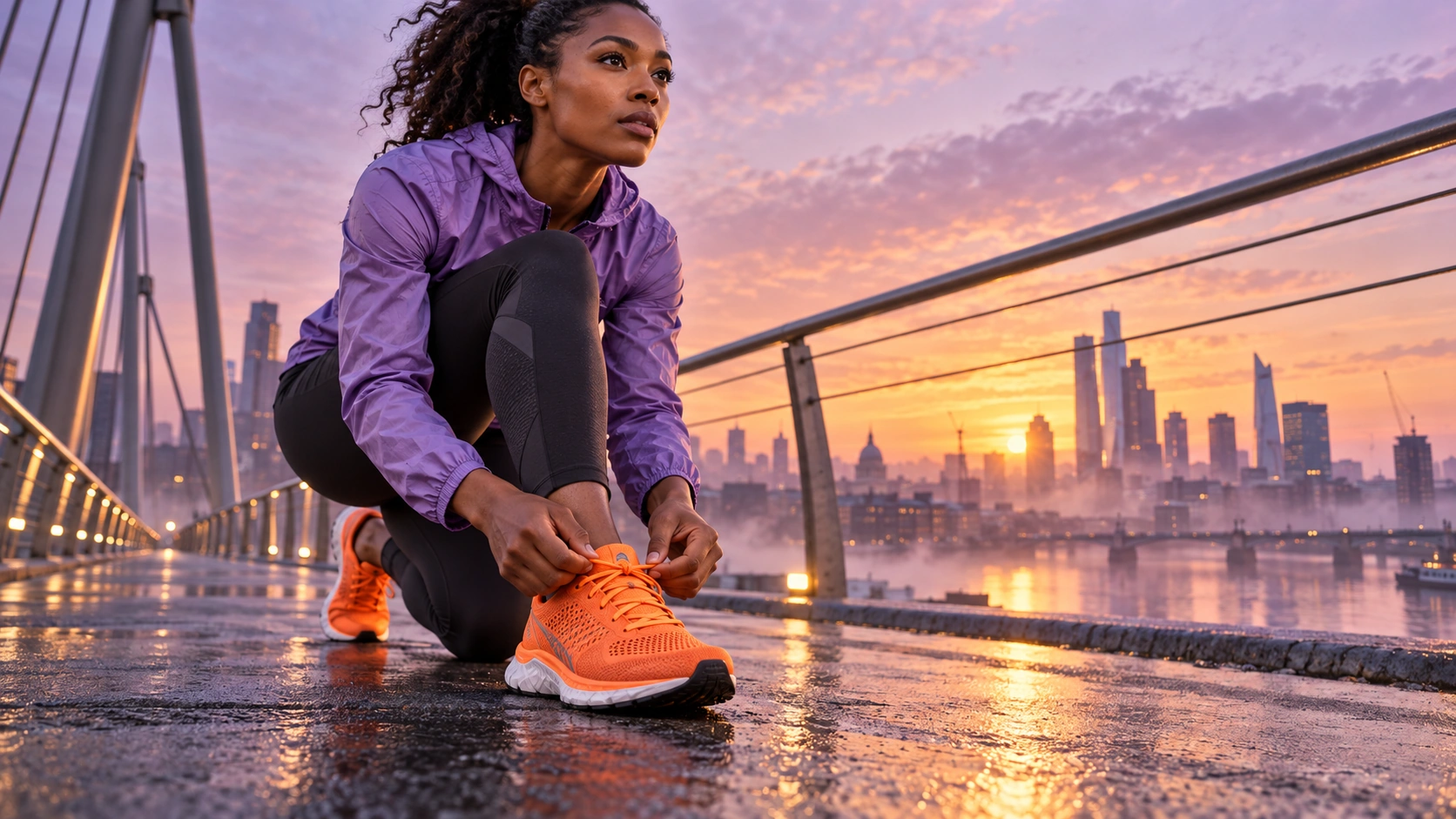
Assign a purpose to each visual reference.
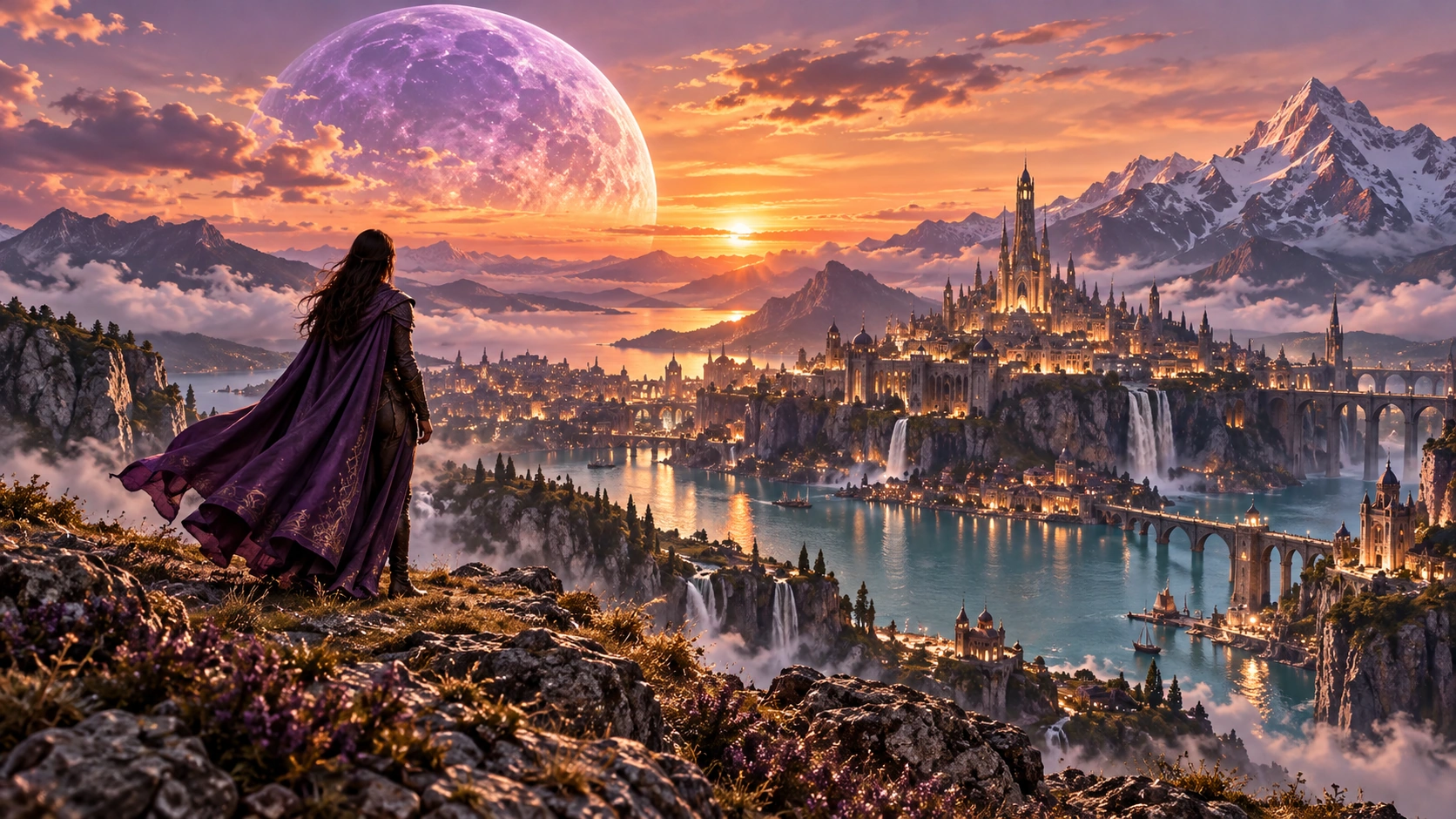
Plan the format and layout around the intended placement.
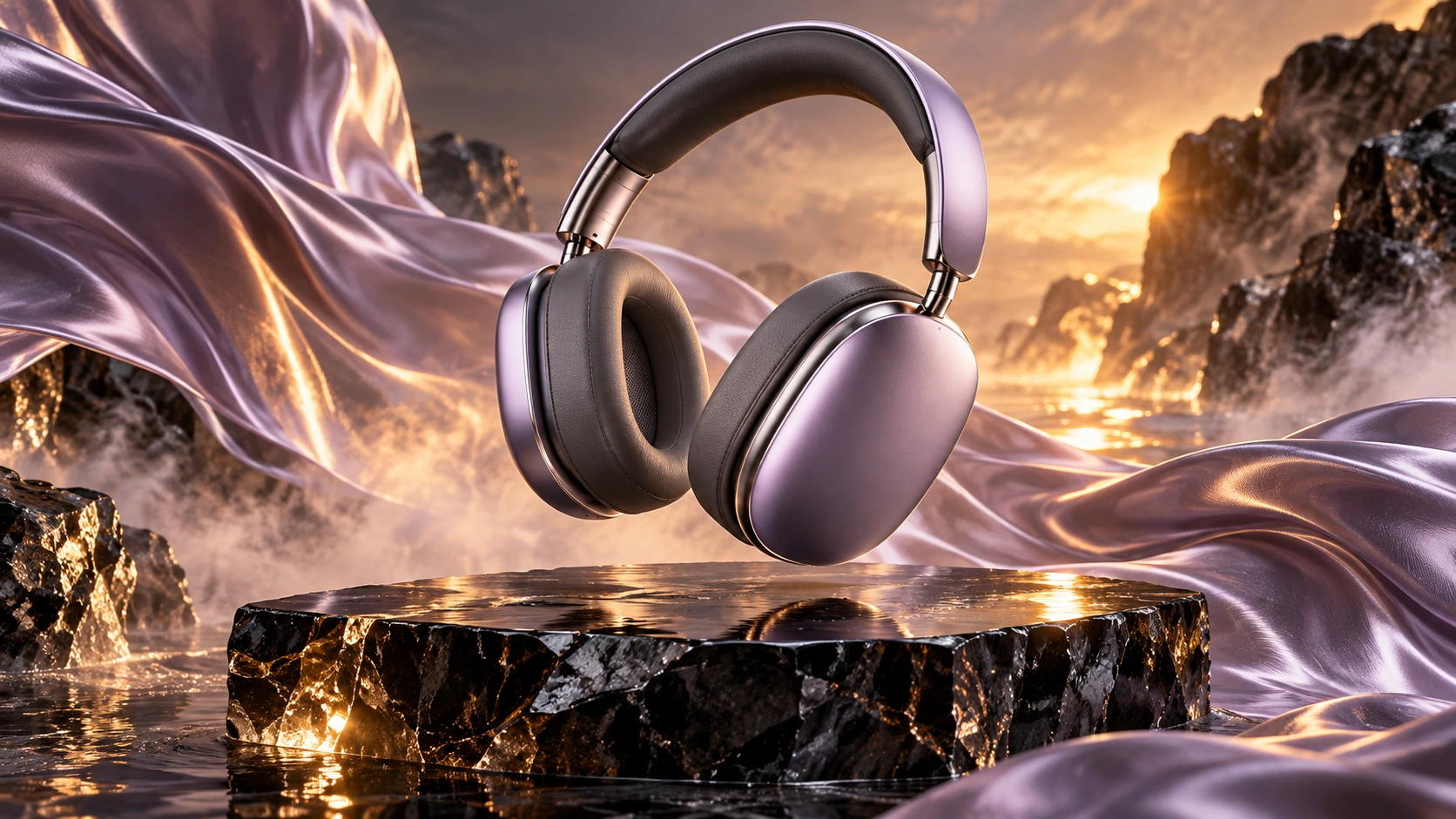
Describe hierarchy, subject and styling before generating.
Example prompt · Overhead view of a creator’s desk with a laptop, coffee cup, notebook and phone. Use soft natural light and leave clear space around each object.
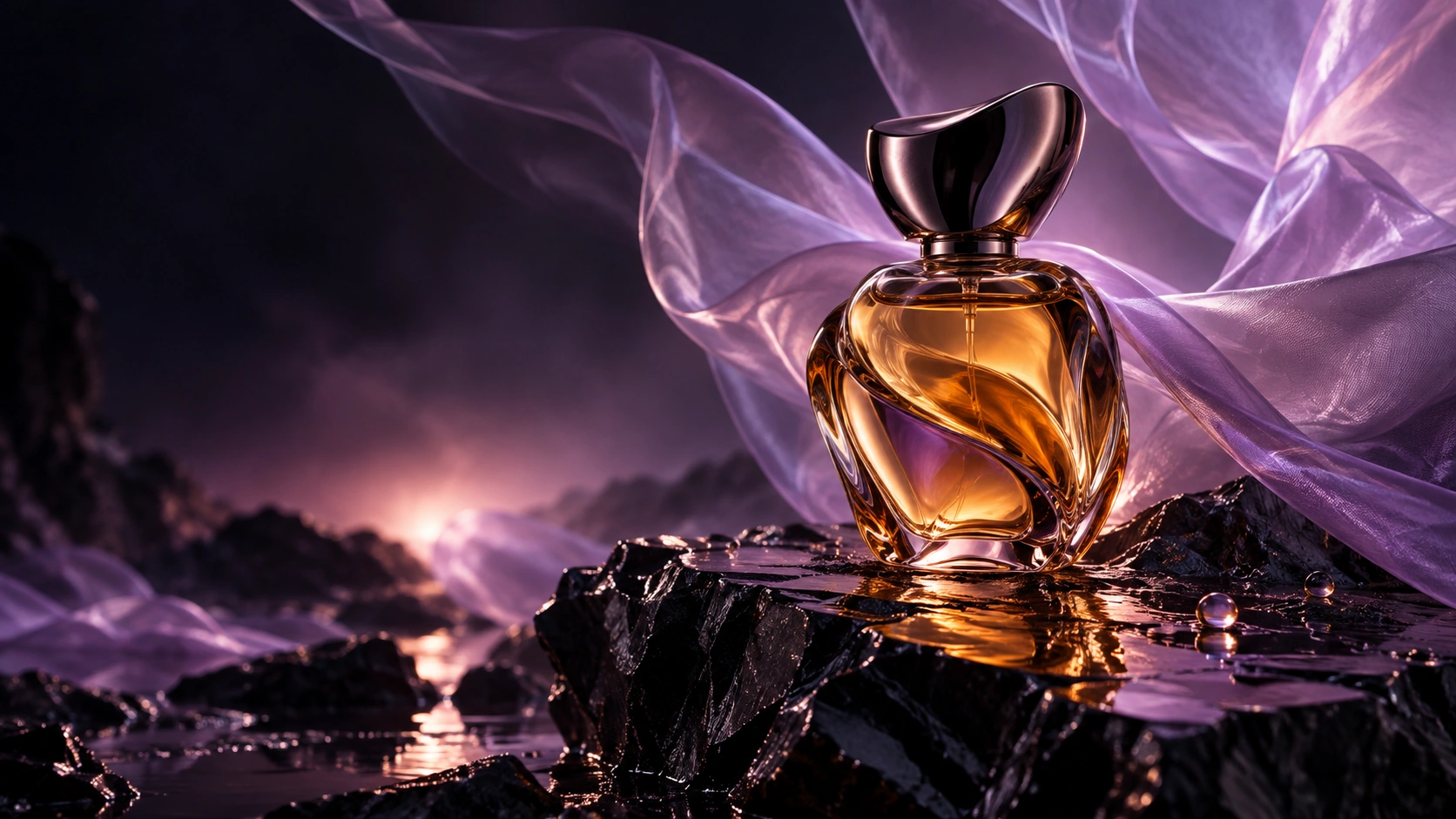
A simple formula for a more intentional first take.
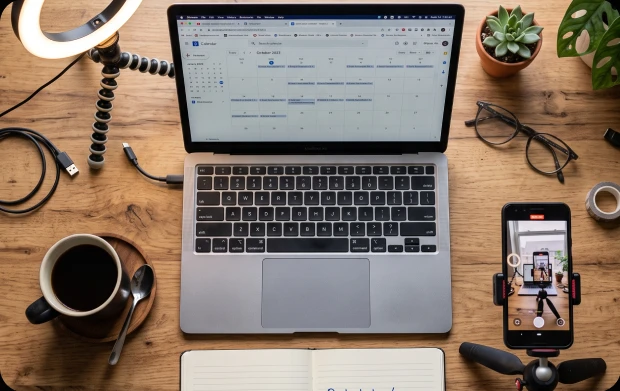
Overhead view of a creator’s desk with a laptop, coffee cup, notebook and phone. Use soft natural light and leave clear space around each object.
Use the runner from the reference image and place her on a sunlit city bridge. Keep her outfit and facial features consistent.
Open Idea Lab, choose the generation type and check the model list for your workspace.
Use the reference inputs shown for your selected model. Describe the details you want the result to retain.
Check the settings and credit estimate in Idea Lab before you generate. Options vary with the selected model.