
Go from a rough idea to a clear next step
Need a script, a stronger prompt or help getting started? Chat with Keoo AI Agent to develop your idea and create content without leaving your workspace.
Explore Keoo AI Agent ↗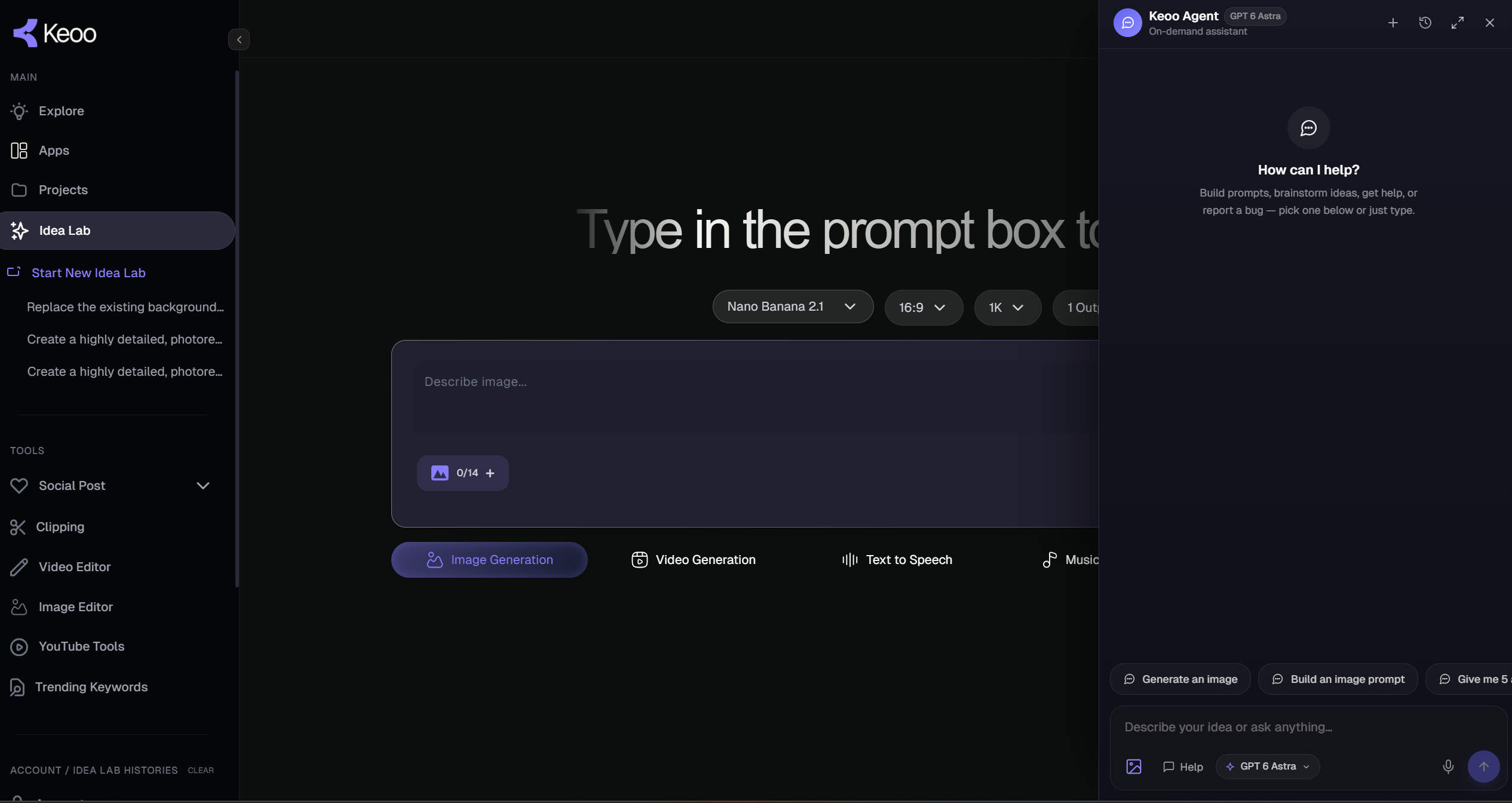
What is Keoo AI Agent
Keoo AI Agent is your on-demand AI creative assistant inside Keoo. You can chat with it to brainstorm ideas, write scripts, build prompts and generate images or videos. Describe what you want to create, and the agent responds to your request and helps guide the next step.
It is a useful place to start when you have a direction but need help turning it into something concrete. You can also ask for help when you feel stuck in the middle of a project.
Get support at different stages of creation
- Brainstorm content ideas and explore creative directions.
- Develop scripts for the message you want to communicate.
- Build clearer prompts for image and video generation.
- Generate images and videos from your creative request.
- Get help with Keoo or report a bug from your workspace.
Turn a broad idea into a useful brief
You do not need to arrive with a finished script. Start with the audience, the subject and the result you want. The more relevant context you provide, the easier it is to judge whether the response fits your task.
For example: ‘Help me write a friendly explainer script for a beginner photography course. Focus on practising with the camera the learner already owns, and finish with an invitation to explore the course.’ That request gives the agent a subject, an audience, a tone and a next step.
How to work with Keoo AI Agent
- Describe the idea or task you want help with.
- Add useful context, such as your audience, format, tone and source facts.
- Review the response and ask for changes that make it closer to your goal.
- Continue into prompts, scripts or media generation as your project develops.
Keep the conversation moving towards a result
A first response can reveal what you want to change. You might ask for a simpler explanation, a more specific opening or a different visual direction. Give clear feedback so each adjustment has a purpose.
When you have a script or concept you like, use it as the basis for the next creative step. Keoo Agent can help with content generation, and it can build videos in the AI Video Editor timeline for you to review and refine.
Get product help where you work
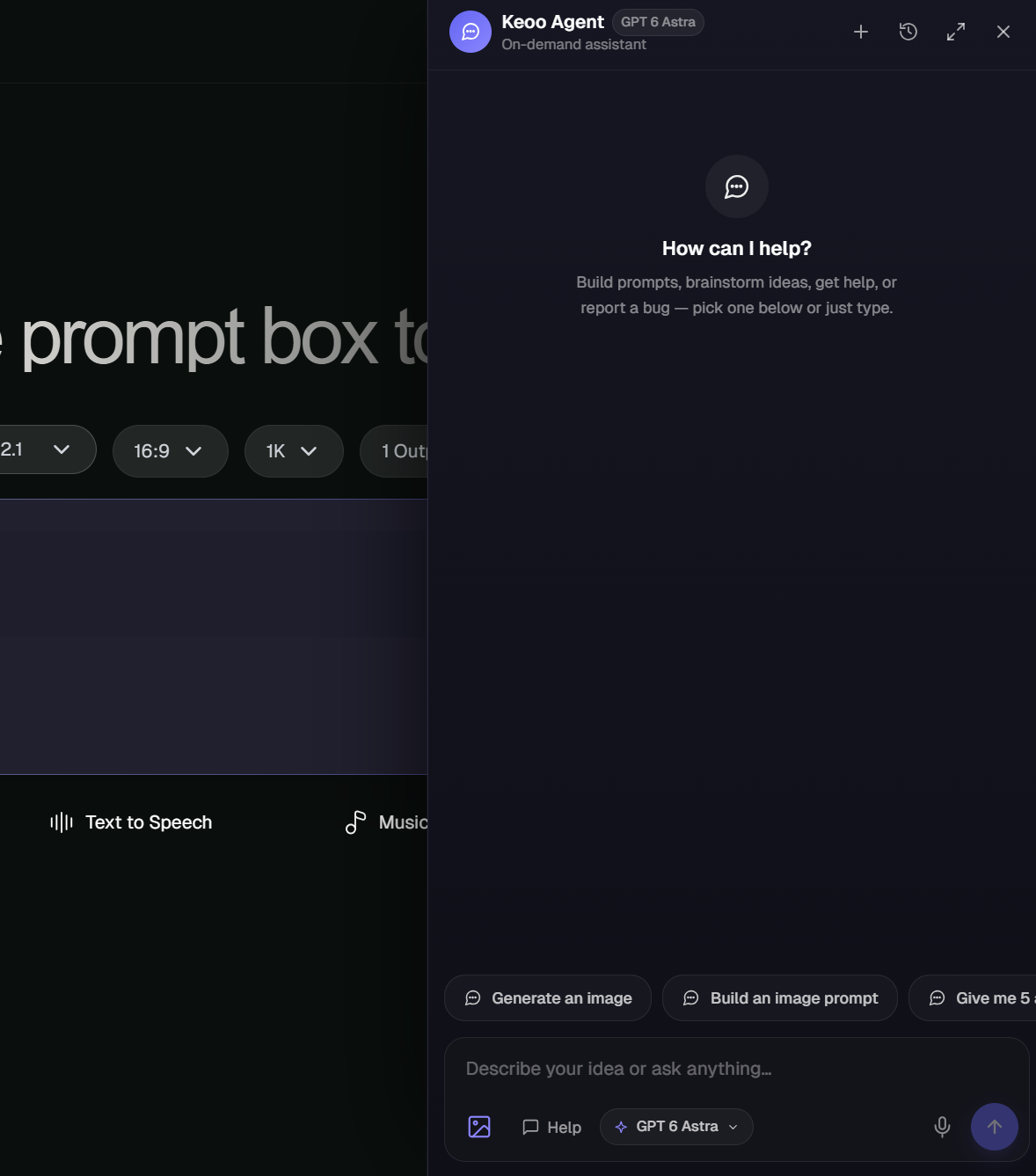
Creative questions are only part of the process. If you need help using Keoo, you can ask the agent from your workspace. You can also report a bug there, keeping product support close to the work you are doing.
Whether you need inspiration, a clearer prompt or help with the platform, the agent gives you a place to start the conversation.
Frequently asked questions
Can Keoo AI Agent write scripts and prompts?
Yes. You can ask the agent to brainstorm ideas, write scripts and build prompts based on your creative request.
Can it generate images and videos?
Yes. Image and video generation are part of the agent’s creative capabilities. Describe your goal and review the result before using it.
Can I use the agent for platform support?
Yes. You can ask for help with Keoo and report a bug directly from your workspace.
Explore Keoo AI Agent
Bring one idea or creative challenge and turn it into a useful next step.
Start creating with Keoo Agent ↗