
Start with a workflow built for the job
Some days, you want to explore. Other days, you know what you need to make. Keoo Apps gives you pre-built AI workflows to help you get started with a specific creative task.
Explore Keoo AI Apps ↗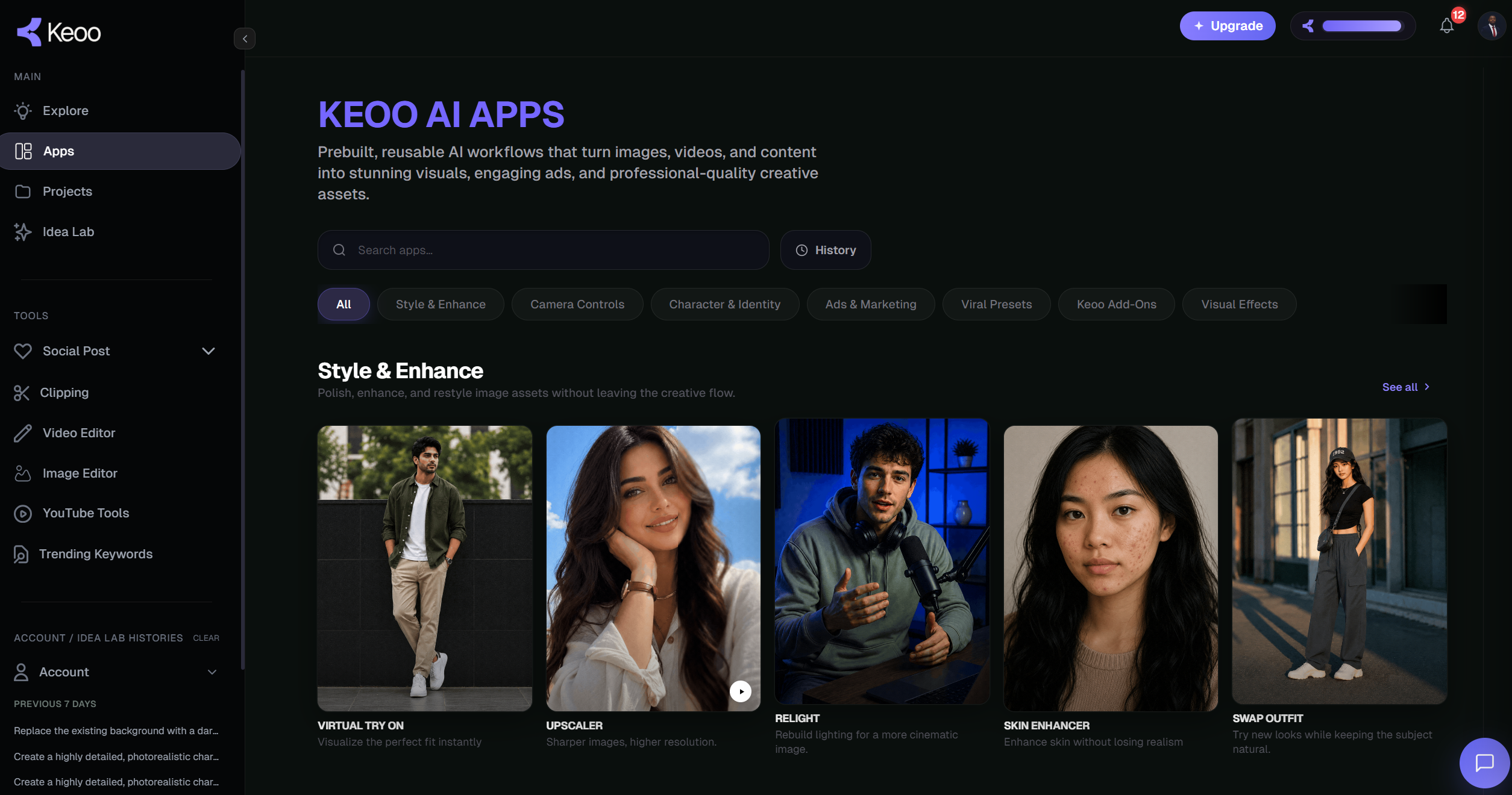
What are Keoo Apps
Keoo Apps is a growing library of pre-built, reusable AI workflows and automations. These purpose-built tools help you transform images, videos and other content into creative assets without building a complex workflow from scratch.
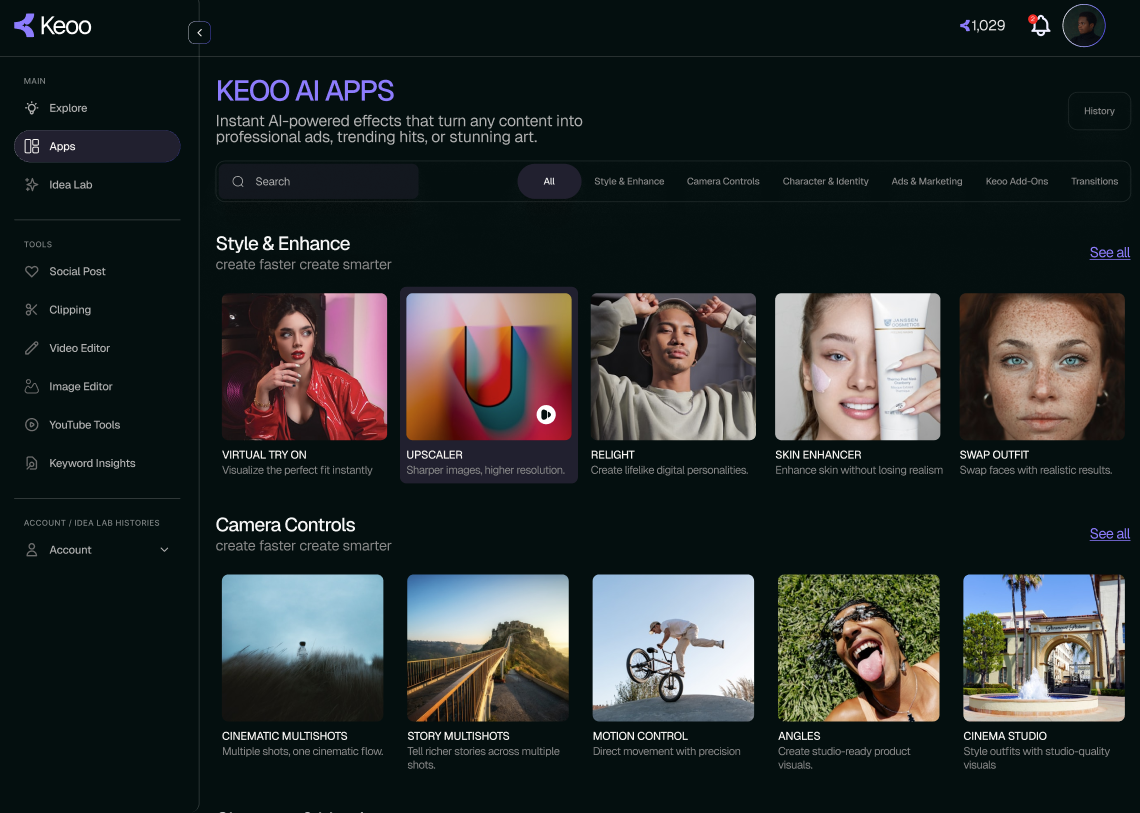
Choose an app for the job you want to do, whether that means enhancing an image, changing an outfit, exploring camera movement or creating marketing content. You bring the idea and source material; the app gives you a focused way to work on it.
Find an app for your creative task
- Style & Enhance: explore tools for improving or changing the look of your content.
- Camera Controls: work with camera movement for your creative scenes.
- Character & Identity: explore character-focused transformations, including outfit changes.
- Ads & Marketing: create assets for your offers and campaigns.
- Viral Presets: try ready-made creative treatments for social content.
- Visual Effects and Keoo Add-Ons: explore more ways to develop your content.
Spend more time on your creative choices
A repeatable task should not require a fresh workflow every time. Keoo Apps gives you ready-made starting points, so you can concentrate on the image, message or effect you want to create.
That is useful for creators experimenting with new formats, small businesses preparing campaign assets and marketers producing different treatments of an idea. A preset provides a starting structure. Your brief and review make the result relevant to your audience.
How to use Keoo Apps
- Browse the categories and choose an app that matches your task.
- Provide the image, video or other information requested by the app.
- Add the creative direction and options needed for your result.
- Generate, review and refine the output before using it.
Try a new direction for an existing asset
Imagine you have a product image and want to explore a new campaign treatment. Start by deciding what should stay consistent, such as the product details and brand message. Then choose a relevant app and provide the source material it needs.
Review the result against the original brief. Does the new treatment help the product stand out? Is the message still clear? This gives you a practical way to experiment while keeping the campaign focused.
Choose a workflow or explore freely
Use Keoo Apps when a specific workflow matches what you want to create. Use Idea Lab when you want to generate media from a prompt and explore models and settings more openly.
If you need help turning an idea into a brief or prompt, talk to Keoo AI Agent. You can choose the starting point that suits your task and continue creating inside the same platform.
Frequently asked questions
What can I do with Keoo Apps?
You can use pre-built workflows to enhance images, change outfits, work with camera movement, create marketing content and apply presets or visual effects.
Do I need to build my own workflow?
No. Keoo Apps provides pre-built, reusable workflows. Choose a suitable app and supply the inputs it needs.
Does a viral preset guarantee a viral result?
No. A preset gives you a creative treatment to work with. Reach depends on the content, audience and how people respond.
Find a starting point for your next task
Browse the available workflows and choose one that fits what you want to create.
Explore Keoo Apps ↗