
Tell AI what you want to edit and keep control of the timeline
Start with an idea or upload your footage. Keoo AI Video Editor lets you create and edit with AI, then review and refine the result directly in a professional timeline.
Explore AI Video Editor ↗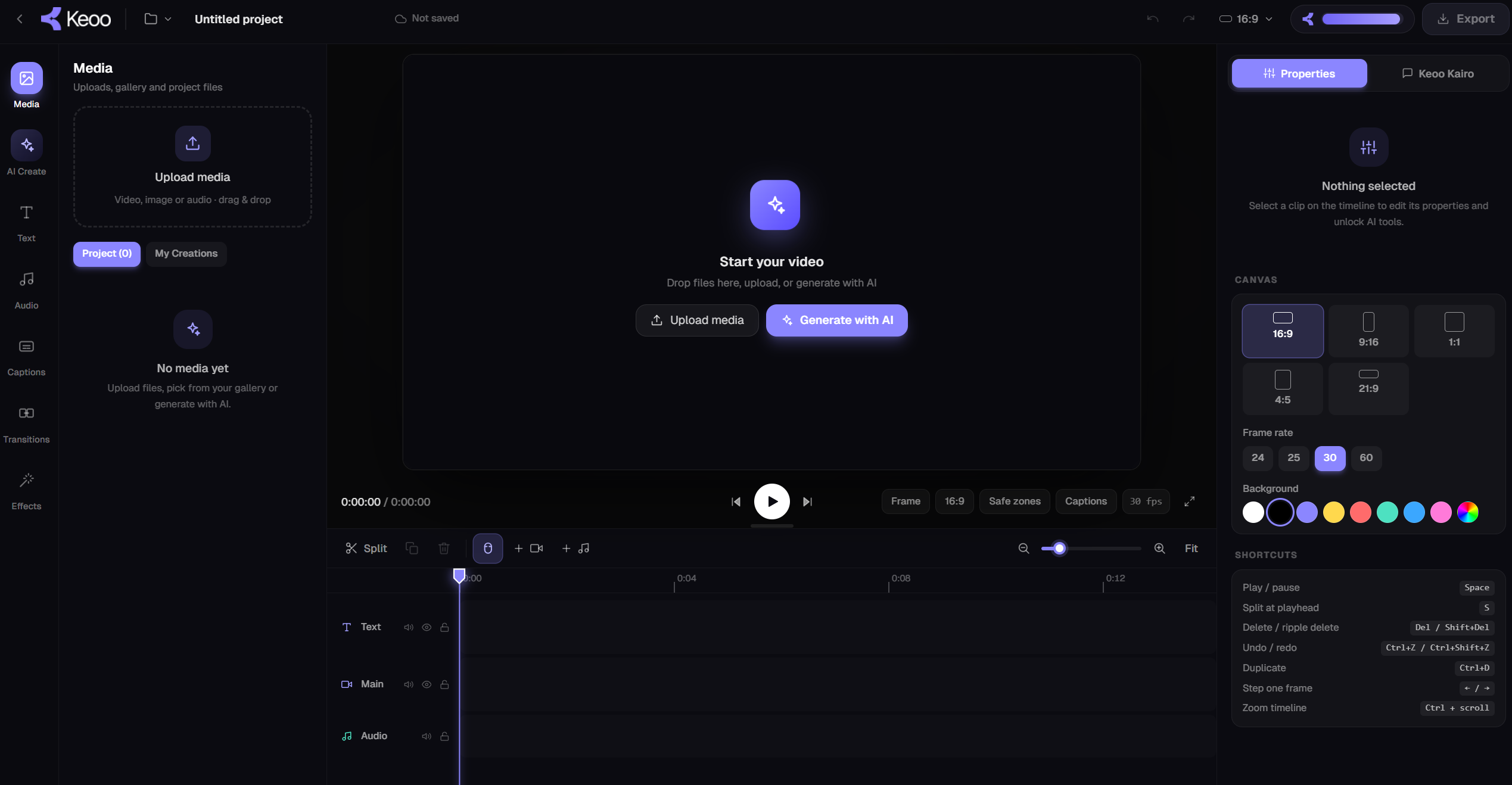
What is Keoo AI Video Editor
Keoo AI Video Editor combines AI-assisted creation and editing with manual timeline control. Ask Keoo Agent to create a video or make changes to existing footage, and the work is built directly in the editor timeline.
That means you can inspect the result, continue editing manually or ask AI for another adjustment. The timeline stays at the centre of the process, giving you a clear place to review how the video comes together.
Create a complete video from an idea
Ask Keoo Agent to build a long-form video, such as a tutorial, explainer, animation or motion graphics video. Describe the subject, the audience and the message you want to communicate.
The agent creates the video in the editor timeline, ready for review. You can then refine the structure and make changes where the first version needs a clearer explanation, a different pace or a stronger ending.
Edit the footage you already have
- Trim clips and cut sections you do not need.
- Remove silences to tighten the edit.
- Add captions for viewers following the spoken content.
- Restructure the sequence to improve the flow.
- Turn a longer recording into short-form clips.
- Continue with manual edits or further AI instructions.
How to use Keoo AI Video Editor
- Start with a video idea or upload your own footage.
- Tell Keoo Agent what to create or change.
- Review the changes applied to the timeline.
- Refine the edit manually or keep working with AI until it fits your brief.
Make a tutorial easier to follow
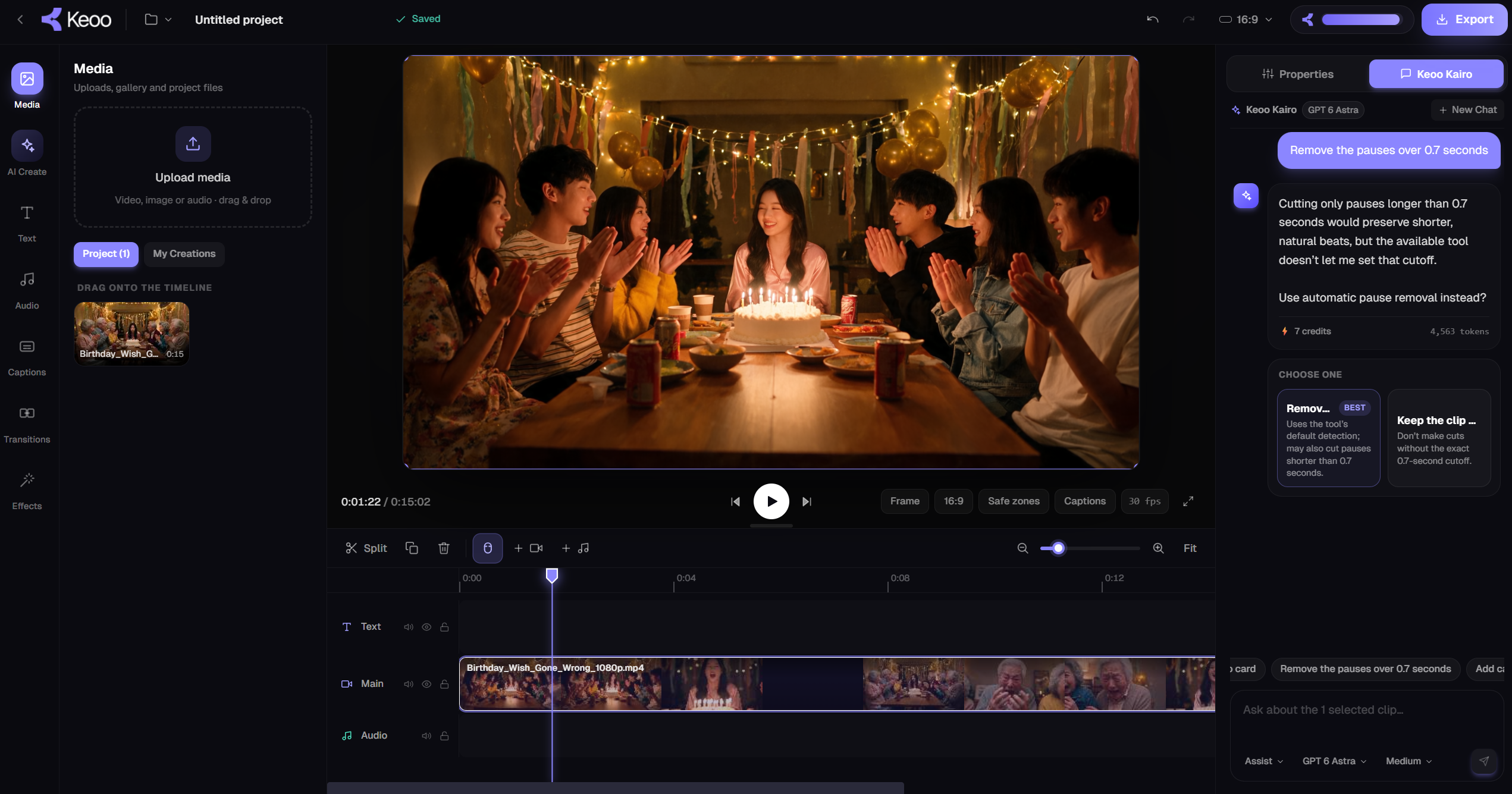
Imagine you have recorded a product tutorial with long pauses and a repeated explanation. Ask AI to remove the silences and cut the unnecessary section. Then review the timeline to make sure the instructions still follow in the right order.
You can add captions and ask for further adjustments, or make a precise change yourself. Watch the full sequence after editing so you can check that the pacing feels natural and none of the essential steps has been lost.
Use AI assistance without losing your editing choices
A useful first edit gives you something concrete to improve. Keoo applies AI changes to the timeline so you can see the work and decide what happens next. You can switch between instructions and manual adjustments as the project develops.
For dedicated repurposing, Keoo also offers AI Video Clipping. Use the Video Editor when you want to create a full video or shape an edit, and Clipping when you want multiple short-form moments from a longer recording.
Frequently asked questions
Can Keoo create a video from an idea?
Yes. You can ask Keoo Agent to create a complete long-form video, including tutorials, explainers, animations and motion graphics, directly in the editor timeline.
Can I edit my own footage with AI?
Yes. Upload footage and ask AI to trim clips, remove silences, cut sections, add captions or restructure the edit.
Can I still edit manually?
Yes. AI changes are applied to the timeline, where you can continue editing manually or request further AI adjustments.
Take your next video from idea to editable timeline
Bring your idea or footage and start building the edit with Keoo Agent.
Explore AI Video Editor ↗