
Give your next YouTube video a clearer introduction
Your video needs a title people understand, a thumbnail that fits the idea and a description that helps them take the next step. Keoo’s AI YouTube Tools help you prepare those pieces in one place.
Explore YouTube Tools ↗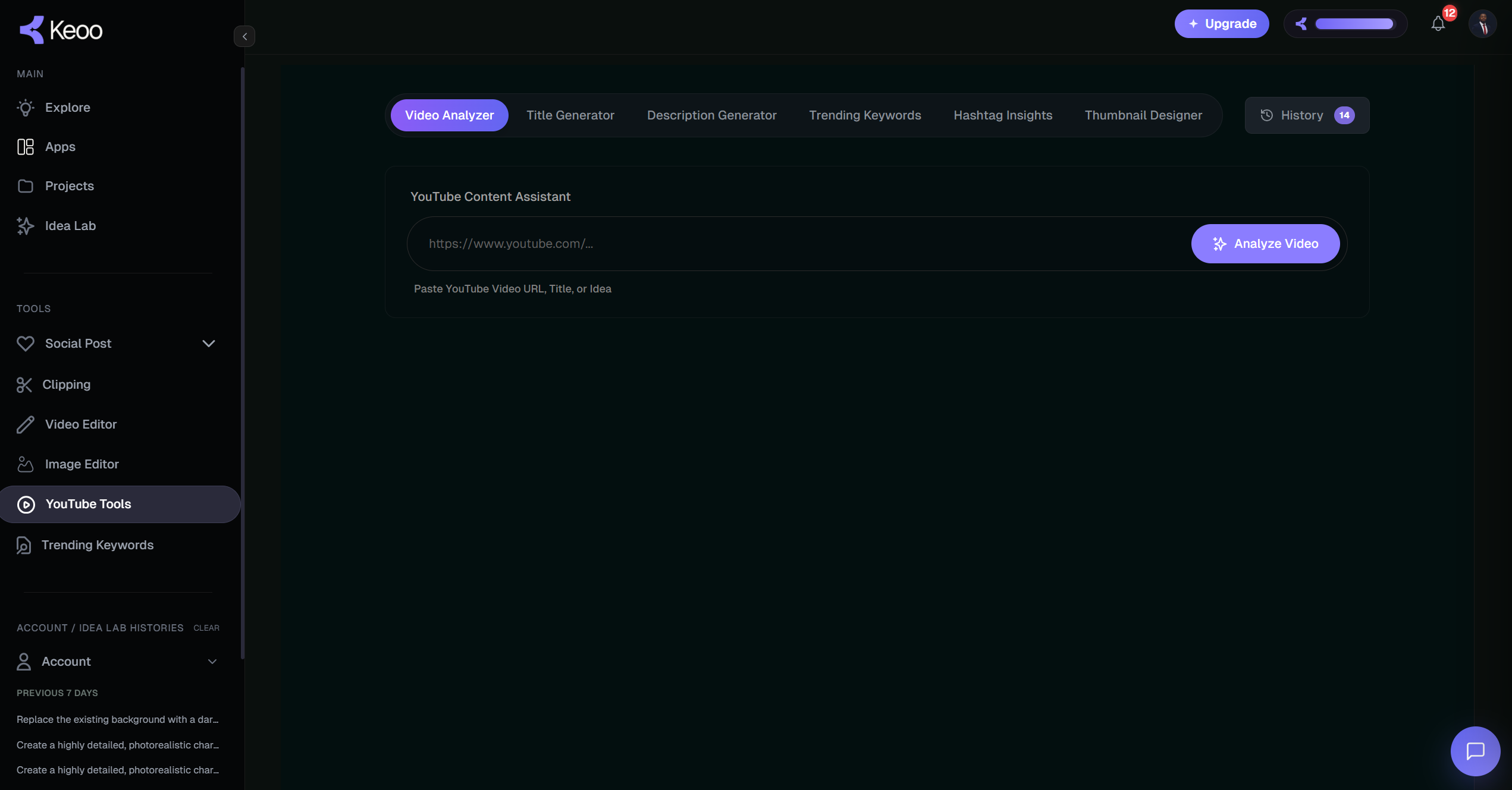
What are Keoo’s YouTube Tools
Keoo’s YouTube toolkit includes a Video Analyzer, Title Generator, Description Generator, keyword and hashtag insights, and a Thumbnail Designer. These tools help you develop the information and visuals around a video.
Use them to turn a topic or video into a clearer publishing package. The aim is to help a potential viewer understand what the video covers and whether it answers the question they came with.
Prepare the details that introduce your video
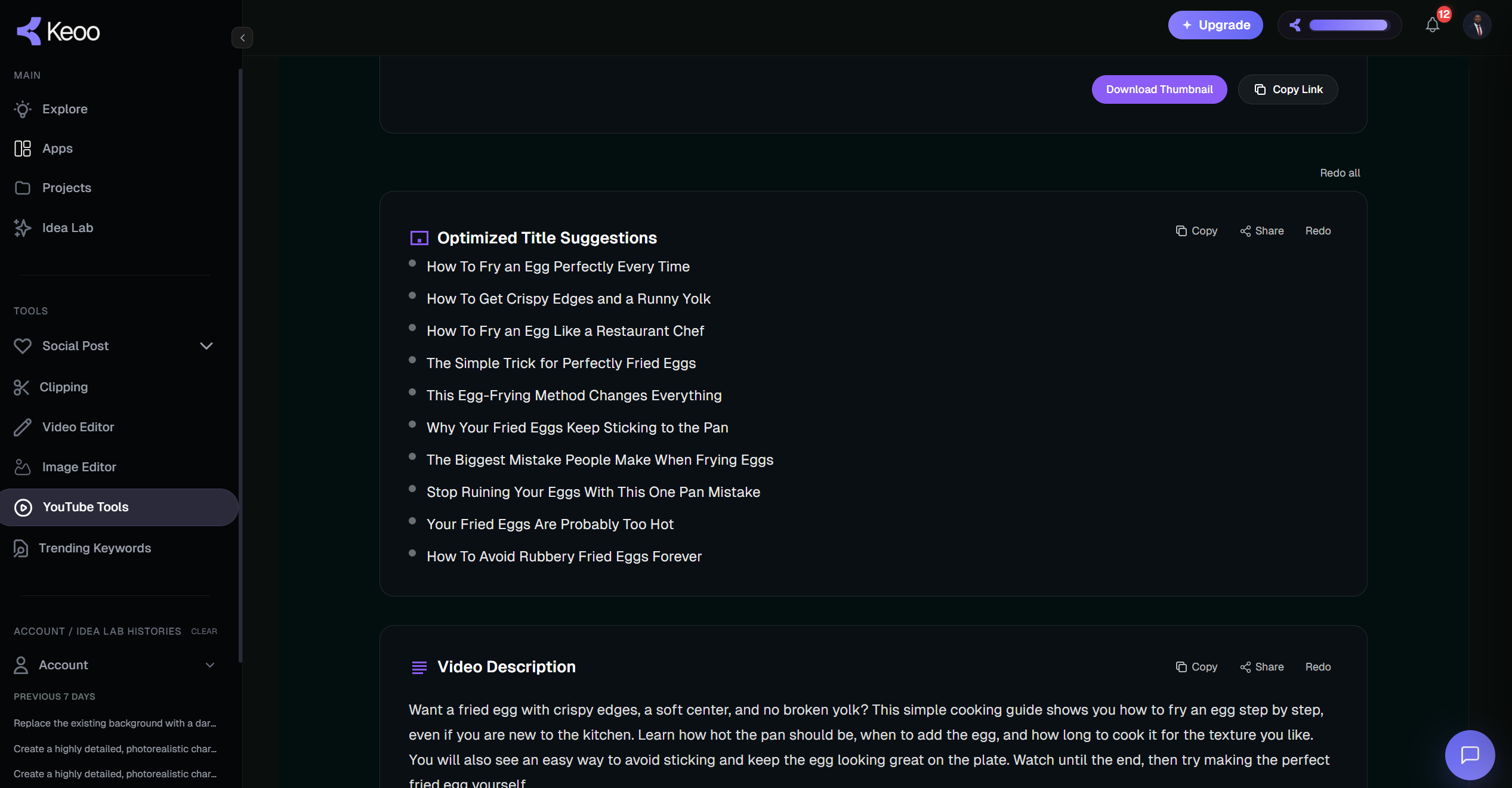
- Video Analyzer - Analyzes your video or idea and creates a complete package: titles, SEO-friendly descriptions, keywords, hashtags and thumbnail ideas.
- Title Generator - Gives you strong, engaging titles that attract clicks and still clearly explain your video.
- Description Generator - Writes an SEO-optimized description with the right keywords, so YouTube understands your video.
- Trending Keywords - Finds the search terms people are actively using, to strengthen your YouTube SEO.
- Hashtag Insights - Finds popular, trending and relevant hashtags for YouTube and other social platforms.
- Thumbnail Designer - Creates high-click-through-rate thumbnail concepts. Upload your own image and references to get ready-to-use designs.
Make the title and thumbnail work together
A title should tell viewers what they can expect. A thumbnail should make the same idea easy to recognise at a glance. Together, they can help someone decide whether the video is relevant to them.
For a beginner photography tutorial, a title about taking sharper indoor photos sets a specific expectation. A thumbnail showing the relevant photo example can support that promise. Keep both connected to what the video actually delivers.
How to prepare a video with Keoo
- Start with a YouTube video, URL, title or content idea, depending on the tool you choose.
- Explore title and description options, then choose wording that accurately reflects the video.
- Review relevant keywords and hashtags, using the ones that fit naturally.
- Create a thumbnail and check the full publishing package before uploading.
Write descriptions that help the viewer
Use the opening lines to explain what the video covers. Then add useful context and a clear next step. If you mention a product, link or resource, check that it is correct before publishing.
A generated description gives you material to work from. Edit it into your own voice, remove anything the video does not cover and keep the most useful information near the beginning. The result should help a viewer rather than repeat the title in several different ways.
Why packaging matters
Your title and thumbnail are the first things people see. They decide whether someone clicks or scrolls past.
Your description, keywords and hashtags help YouTube understand your video and show it to the right people. Keoo YouTube Tools covers every one of these in one place, so every video is ready before you publish.
Build your next topic around audience questions
Keyword insights can help you explore how people describe a topic. Use that information to refine the question your video answers. A specific, useful idea is easier to communicate than a broad topic with no clear focus.
For wider topic research, explore Trending Keywords. For short clips from a completed recording, use AI Video Clipping. You can connect research, preparation and repurposing around the same video idea.
Frequently asked questions
Can I start with a video idea?
Yes. Keoo’s Video Analyzer is described as working from a video URL or an idea.
Can I create a thumbnail in Keoo?
Yes. Thumbnail Designer creates concepts and ready-to-use designs. You can also upload your own image and other visual references.
Do these tools guarantee rankings or clicks?
No. They help you prepare and refine your content. Performance also depends on the video, audience, competition and viewer response.
Prepare your next upload with a clearer message
Bring your video idea and develop the title, description and thumbnail that introduce it.
Explore YouTube Tools ↗