
GPT Image 2.5: sharp images, accurate text, precise edits
GPT Image 2.5 is OpenAI's newest image model, the one behind ChatGPT Images 2.5. It is brilliant at text inside images, keeps faces and products true to your reference photos, and lets you change one small thing without redrawing the whole picture.
Explore GPT Image 2.5 ↗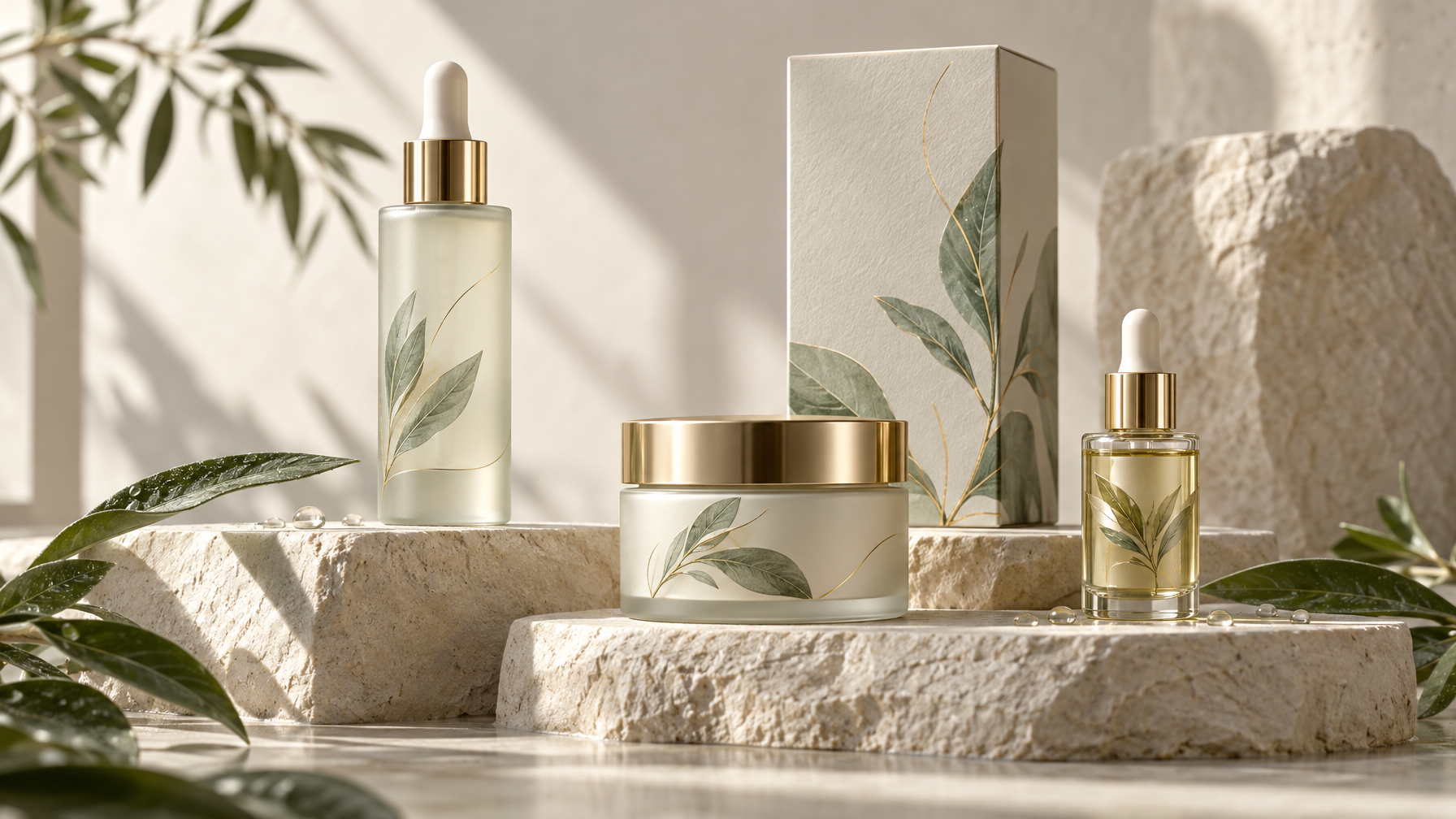
What is GPT Image 2.5?
OpenAI released GPT Image 2.5 on 8 September 2026. It comes in two versions: Flare, the fast one, which OpenAI says is up to 50% quicker than GPT Image 2, and Sunburst, the precise one, built for detailed edits.
It keeps what made GPT Image 2 popular, including very accurate text and photo-realism, and fixes its biggest weakness. Edits are now surgical: ask it to change the colour of a jacket and it changes the jacket, not the whole image. It accepts up to 16 reference images in one job and can make transparent backgrounds.
What GPT Image 2.5 does best
- Accurate text. Headlines, labels, menus and signs come out spelt correctly.
- Precise edits. Change one element and leave the rest alone, over several rounds.
- True to your references. Faces and products from your photos stay recognisable.
- Two speeds. Flare for fast volume, Sunburst for careful, premium work.
- Transparent backgrounds. Ready-to-use cut-outs for logos, stickers and product shots.
How to use GPT Image 2.5 on Keoo AI
- Open Idea Lab in Keoo AI and choose Text to Image (or Image to Image to edit a picture).
- Pick GPT Image 2.5 from the model list.
- Describe your image, and put any words you want on it in quotation marks.
- Choose your shape (for example 2:3 for posters, 1:1 for Instagram) and press Generate.
What you can make with it
- Event posters and flyers
- Social graphics with headlines
- Product mock-ups and packaging ideas
- Thumbnails with bold text
- Editing real photos, such as changing outfits or backgrounds
How to write a GPT Image 2.5 prompt
- Put every word you want on the image in "quotation marks".
- Say where text goes: 'headline at the top', 'small text at the bottom'.
- For edits, say what to keep first, then what to change.
- Give each reference image a job, for example 'use image 1 for the face, image 2 for the outfit'.
Example 1: Jazz poster (our sample)
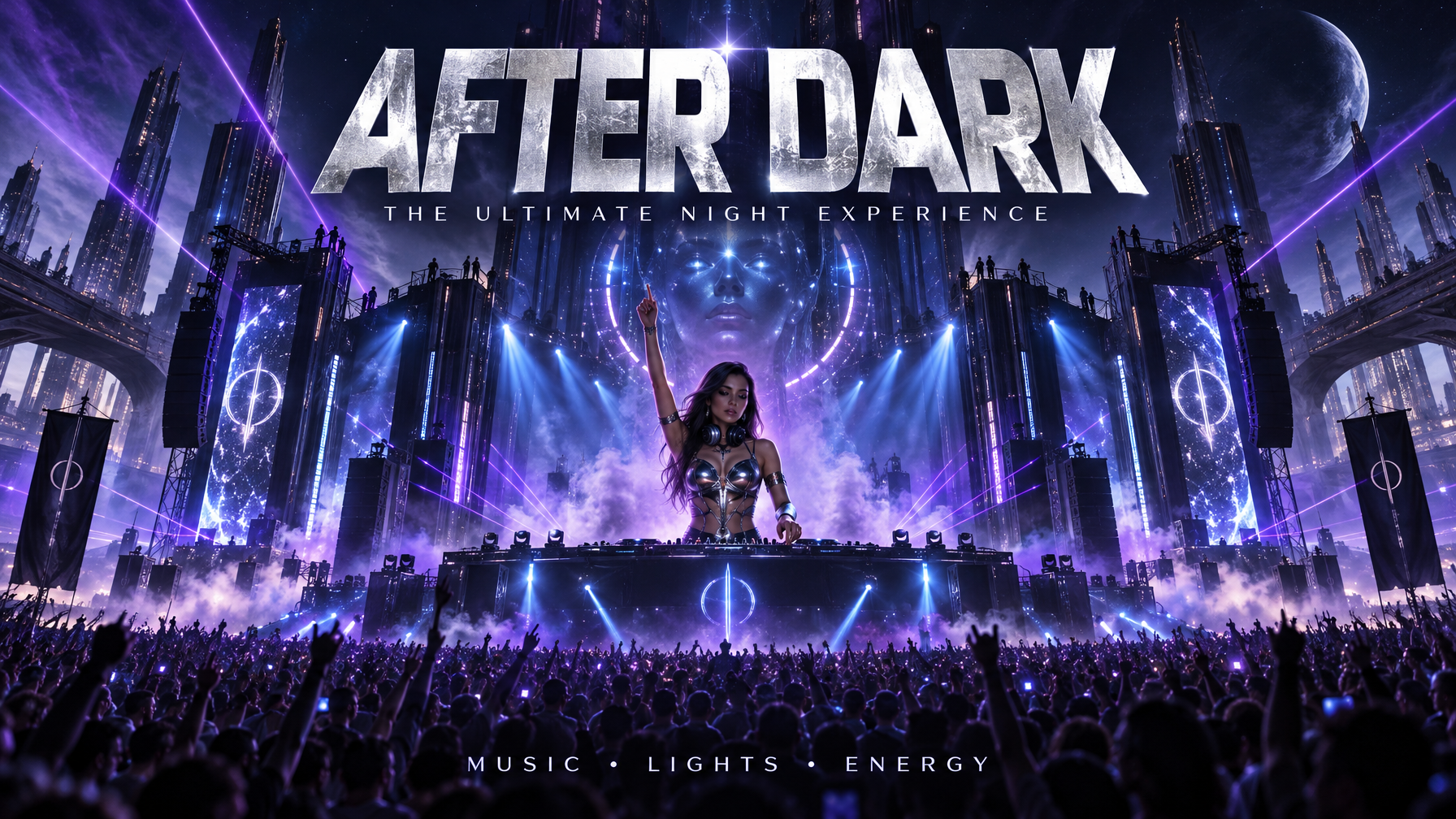
A minimalist event poster for a summer jazz night. Bold headline at the top reading "JAZZ ON THE PIER" in cream serif type. Below it, smaller text: "Friday · 8pm · Free entry". A clean silhouette of a saxophone player standing at the end of a wooden pier against a deep teal and orange sunset sky. Plenty of empty space, print-ready layout, subtle paper texture.
Questions people ask
When was GPT Image 2.5 released?
8 September 2026, alongside ChatGPT Images 2.5.
What is the difference between Flare and Sunburst?
Flare is the fast version for high volume. Sunburst is the precise version for detailed edits.
Is GPT Image 2.5 good at text?
Yes. Accurate text inside images is one of its biggest strengths.
Create more with GPT Image 2.5 on Keoo AI
Keoo AI puts GPT Image 2.5 next to the other top video, image and audio models in one dashboard. Open Text to Image, pick your model, and go from idea to finished content in minutes.
Start creating for free ↗