
Grok Imagine Image: bold, expressive pictures with precise edits
Grok Imagine Image is xAI's image model, known for striking, high-contrast pictures. Version 2.0 adds sharper typography, consistent layouts and editing with several reference images at once.
Explore Grok Imagine Image ↗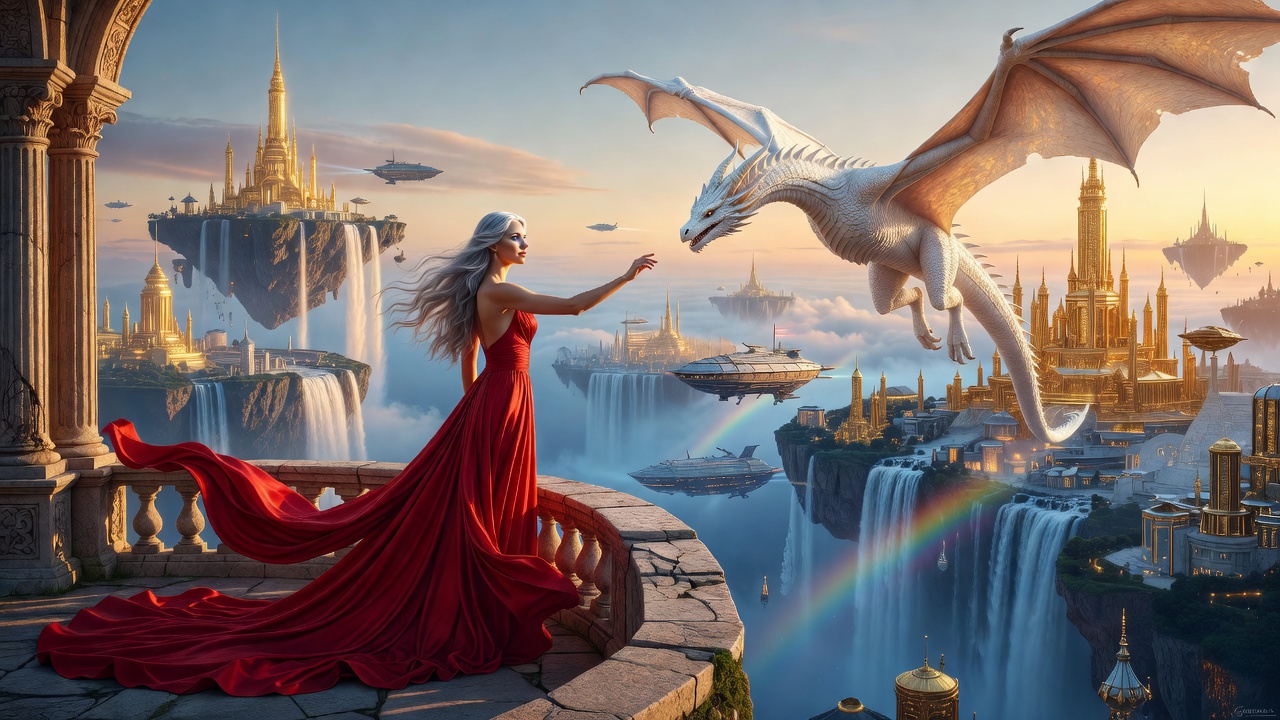
What is Grok Imagine (Image)?
Grok Imagine is the creative tool inside Grok, the AI from xAI. Grok Imagine Image 2.0 launched in August 2026 and powers Grok's Quality Mode.
It focuses on precise edits, typography and layout consistency, which makes it useful for production-ready work, not just fun pictures. It can edit using several reference images at once and has a Smart Resize feature that adapts a design to nine aspect ratios. Images come out at 1K or 2K.
What Grok Imagine (Image) does best
- Bold, expressive style. Punchy colour and contrast that stands out in a feed.
- Multi-image editing. Combine several reference images in one edit.
- Smart Resize. Adapt one design across nine aspect ratios.
- Typography and layout. Sharper text and consistent layouts for real projects.
- Pairs with Grok video. Make an image, then animate it with Grok Imagine Video.
How to use Grok Imagine (Image) on Keoo AI
- Open Idea Lab in Keoo AI and choose Text to Image or Image to Image.
- Pick Grok Imagine from the image model list.
- Describe your scene with a clear style and colour direction.
- Choose your shape and press Generate.
What you can make with it
- Eye-catching social posts and thumbnails
- Comic and graphic-novel style art
- Album and podcast covers
- Bold poster concepts
- Starting frames for Grok Imagine videos
How to write a Grok Imagine (Image) prompt
- Lead with the art style, for example 'comic-book', 'neon synthwave', 'bold poster'.
- Name two or three accent colours.
- Ask for contrast and drama. This model leans into it.
- Use Smart Resize when you need the same design in several shapes.
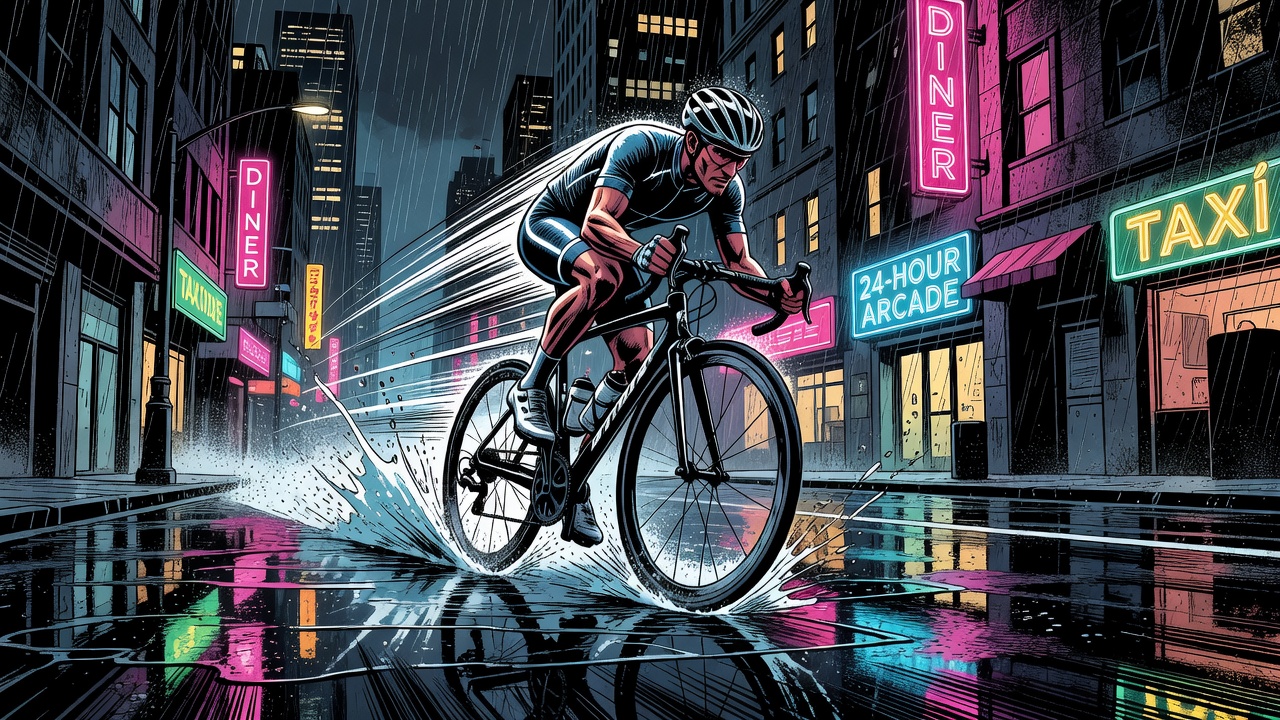
Example 1: Neon cyclist (our sample)
Bold comic-book style illustration of a cyclist racing through a rain-soaked city street at night. Neon signs reflect in the puddles, dramatic high contrast, strong black ink lines, speed lines behind the bike, splashes of electric pink and cyan.
Questions people ask
Who makes Grok Imagine?
xAI, the company behind the Grok assistant.
What resolution does Grok Imagine Image 2.0 support?
1K and 2K.
Can I turn Grok images into video?
Yes. Use the image as a starting frame with Grok Imagine Video.
Create more with Grok Imagine (Image) on Keoo AI
Keoo AI puts Grok Imagine (Image) next to the other top video, image and audio models in one dashboard. Open Text to Image, pick your model, and go from idea to finished content in minutes.
Start creating for free ↗