
Udio: what the AI music app does now, and what's changed
Udio was one of the first AI apps to make radio-quality songs from a text prompt. In 2026 it is changing into a licensed platform built with major record labels, and that changes what you can do with your music. Good to know: Udio is mid-change. Its new licensed platform is rolling out in stages during 2026, and downloads from the existing app have been switched off during the move. Check Udio's current terms before relying on it for a project.
Explore Udio ↗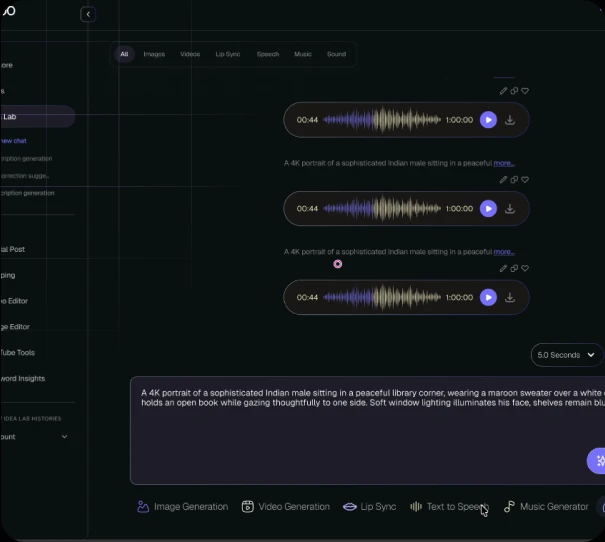
- Made by
- Udio (Uncharted Labs)
- Model type
- AI music platform
- Released
- New licensed platform rolling out in 2026
- Best for
- Remixing and creating with licensed music
What is Udio?
Udio made its name with rich, realistic vocals and clever song continuation. After legal disputes with the music industry, it settled with Universal Music Group in October 2025, then with Warner Music Group, Merlin and Kobalt.
As part of those deals, Udio is building a new subscription platform trained only on licensed music. Fans will be able to create, remix and share songs, including with the voices and styles of artists who opt in. The trade-off: it is designed as a closed space, and reports say tracks may not be downloadable or postable elsewhere.
What Udio does best
- Realistic vocals. Udio is known for natural, expressive singing.
- Licensed music. The new platform is trained on authorised music from major labels.
- Artist collaborations. Create with voices and styles of artists who give permission.
- Remix culture. Built for fans to remix and share inside the platform.
- Social features. A space to share and discover AI-made tracks.
How to make music like this on Keoo AI
- Check Udio's current terms, especially around downloads and commercial use.
- If you need music you can download and use in your own videos, open the Music Generator in Keoo AI instead.
- Describe the genre, mood and instruments, and add lyrics if you want vocals.
- Generate, choose your favourite and download it.
What you can make with it
- Fan remixes of licensed songs
- Creating with favourite artists' styles (where allowed)
- Sharing music inside the Udio community
- Song ideas and inspiration
- Learning how AI music is changing
How to write a Udio prompt
- Be specific about era and sound: '90s R&B slow jam', 'modern UK garage'.
- Describe the vocal performance as well as the music.
- Use section tags like [Verse] and [Chorus] in your lyrics.
- If you need to download or post your song, use a tool that allows it.
Example 1: Royalty-free track idea
Modern UK garage, 132 BPM, shuffling drums, warm sub bass, chopped vocal samples, late-night city feel. Short, catchy and upbeat, suitable as background music for a fashion video.
Questions people ask
Can I still download songs from Udio?
Downloads were switched off during Udio's move to its new licensed platform. Check Udio's latest terms.
Why did Udio change?
It settled legal disputes with major labels and agreed to build a new platform trained on licensed music.
What's a good alternative for downloadable AI music?
Keoo AI's Music Generator lets you create royalty-free music you can download and use in your content.
Create downloadable music on Keoo AI
Keoo AI puts the top video, image and audio models in one dashboard. Open the Music Generator, describe your track, and go from idea to finished music in minutes.
Start creating for free ↗